GCash Deposit to Dalmore 77: Limits, Fees and How-To
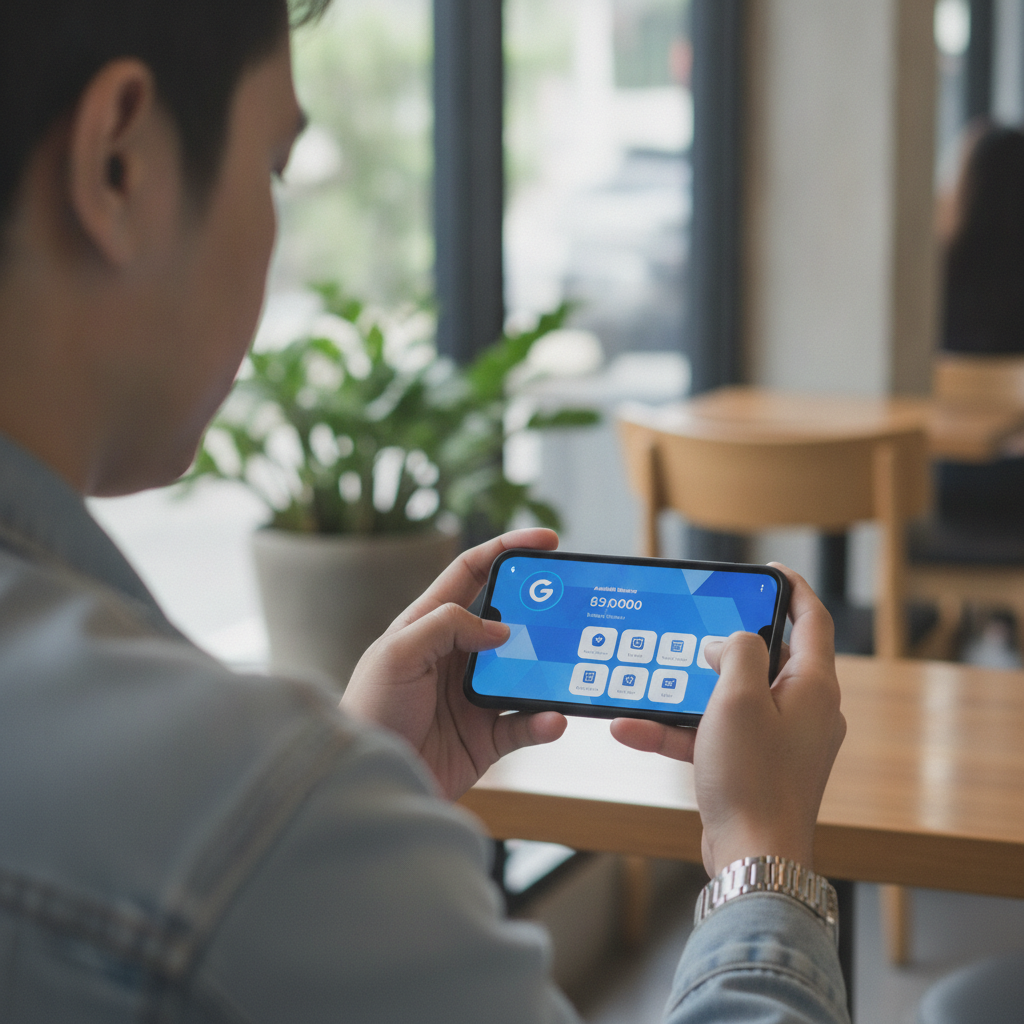
Step-by-Step GCash Deposit Process on Dalmore 77
Dalmore 77 accepts GCash for deposits through both its mobile site and Android app. The process is nearly identical on both platforms.
Before you start: Make sure your GCash wallet has enough balance to cover your intended deposit. Your Dalmore 77 account must be logged in and fully verified.
Using the Mobile Site
- Open your mobile browser and go to the Dalmore 77 site, then log in.
- Tap the Deposit or Cashier button, usually found at the top right or in the main menu.
- Select GCash from the list of payment methods.
- Enter the amount you want to deposit in Philippine pesos. The field will show the minimum and maximum allowed.
- Tap Proceed or Confirm. You may be shown a summary screen listing the amount and method.
- You will be redirected to the GCash payment page or prompt. If you have the GCash app installed, it may open automatically. If not, you'll see a web-based login.
- Log in to GCash using your MPIN or biometric authentication.
- Review the merchant name (it may appear as Dalmore 77 or a payment processor name), amount, and reference number.
- Tap Confirm or Pay Now in the GCash interface.
- Wait for the confirmation message. GCash will display a receipt with a transaction reference number.
- You will be redirected back to Dalmore 77. Your balance should update within seconds in most cases.
Using the Dalmore 77 Android App
- Open the Dalmore 77 app and log in.
- Tap the Deposit icon, typically located in the footer menu or upper corner.
- Choose GCash as your payment option.
- Enter your deposit amount in pesos.
- Tap Submit or Next.
- The app will either open the GCash app directly or show a payment gateway screen. If prompted, authorize the switch to the GCash app.
- Authenticate with your MPIN or fingerprint.
- Confirm the payment details and complete the transaction.
- After GCash confirms, you'll return to the Dalmore 77 app and see your updated balance.
Tip: Keep your GCash transaction reference number. If there's any delay or issue, Dalmore 77 support will ask for it.
Minimum and Maximum Deposit Amounts for GCash
Dalmore 77 sets deposit limits to accommodate casual players and higher rollers alike.
- Minimum GCash deposit: PHP 100
This makes Dalmore 77 accessible for players who prefer smaller, more controlled deposits. - Maximum GCash deposit: Typically PHP 50,000 per transaction
Actual limits can vary depending on your account status, verification level, or promotional periods. VIP or fully verified accounts may see higher caps.
If you try to deposit below PHP 100, the system will reject the transaction or display an error message. For amounts above the maximum, you'll need to split the deposit into multiple transactions or contact support to request a temporary increase.
Note: GCash itself imposes a daily transaction limit based on your account type (fully verified GCash accounts have higher limits than basic ones). Make sure your GCash wallet limit can accommodate your intended deposit.
Transaction Fees and Instant vs Delayed Crediting
Fees
In most cases, Dalmore 77 does not charge a fee for GCash deposits. The platform covers payment gateway costs to make funding easier for players.
However, GCash may apply its own transaction fee depending on how the payment is processed. For peer-to-peer or cash-in transactions within GCash, fees are rare. For certain merchant transactions, GCash charges a small percentage or flat fee—but these are uncommon for casino deposits.
Always check the GCash confirmation screen before completing the payment. The exact amount that will be deducted from your wallet is shown there. If a fee applies, it will be listed separately.
Crediting Time
Instant crediting is the norm for GCash deposits on Dalmore 77. Once you confirm the payment in the GCash app or browser:
- Funds typically appear in your Dalmore 77 balance within 5 to 30 seconds.
- You'll see a confirmation message on-screen, and your wallet balance will refresh automatically.
Delayed crediting can happen during:
- High traffic periods (weekends, major sports events, holidays)
- Maintenance windows on either the Dalmore 77 or GCash side
- Network issues with your mobile carrier or internet connection
If your deposit is delayed beyond two minutes, don't panic. Most delayed deposits credit within 10 to 15 minutes. Check your GCash transaction history to confirm the payment left your wallet. If it did, the funds are in transit and will post soon.
What to Do If Your GCash Deposit Doesn't Show Up
If your balance hasn't updated after 15 minutes, follow these steps:
1. Check Your GCash Transaction History
Open the GCash app, go to Transaction History, and confirm the payment was completed. Look for:
- A "Successful" or "Completed" status
- The correct amount
- The merchant or reference name matching Dalmore 77 or its payment partner
If the status says "Pending," wait a bit longer. GCash sometimes holds transactions for review, especially for first-time or high-value payments.
If the status says "Failed" or "Cancelled," the money should remain in your GCash wallet. Retry the deposit.
2. Refresh and Re-Log on Dalmore 77
Sometimes the balance display lags. Try:
- Pulling down to refresh your balance screen
- Logging out of the Dalmore 77 app or site, then logging back in
- Clearing your browser cache (if using the mobile site)
If the deposit still doesn't appear, move to the next step.
3. Contact Dalmore 77 Support
Reach out via:
- Live chat (available on the site and app, usually 24/7)
- Email support (check the Dalmore 77 site footer for the official address)
- Social media or Telegram (if the platform offers player support channels)
Provide:
- Your registered mobile number or username
- The exact deposit amount
- Date and time of the transaction
- The GCash reference or transaction ID
Support agents can check the payment gateway logs and manually credit your account if the deposit is confirmed on the backend but hasn't posted.
4. Screenshot Everything
Take screenshots of:
- The GCash receipt or confirmation
- Your Dalmore 77 transaction history or cashier page
- Any error messages
These speed up resolution, especially if you need to escalate or involve GCash support later.
5. Contact GCash If the Issue Persists
If Dalmore 77 support confirms they haven't received the payment but GCash debited your wallet, contact GCash customer service:
- Dial 2882 from your registered mobile number
- Use the GCash app's Help Center chat
- Email help@gcash.com
Explain the situation and provide the transaction reference. GCash can trace the payment and issue a refund or resend if it failed on their end.
Important: Don't make duplicate deposits while waiting for resolution. You may end up with multiple charges that need reversing, which complicates the process.
Alternative Deposit Options
If you continue to experience issues with GCash, Dalmore 77 also supports:
- Maya (formerly PayMaya): Another popular e-wallet in the Philippines, with similar deposit steps
- InstaPay and PESONet bank transfers: Direct bank-to-casino transfers, usually processed within minutes (InstaPay) or a few hours (PESONet)
Switching methods can be faster than troubleshooting a stuck GCash deposit. You can always return to GCash once the issue is resolved or cleared.
21+ Reminder and Responsible Gambling
Dalmore 77 is open only to players 21 years of age or older. Online gambling is intended for entertainment, not as a way to make money or solve financial problems.
Play responsibly:
- Set a deposit limit before you start and stick to it.
- Never deposit money you can't afford to lose.
- If you feel your gambling is becoming a problem, take a break or seek help. Organizations like Gamblers Anonymous Philippines and the National Center for Mental Health offer confidential support.
Use Dalmore 77's responsible gambling tools—such as deposit limits, session reminders, and self-exclusion options—if you need help managing your play.
This guide is an independent resource and is not operated by or affiliated with Dalmore 77. For official support, always contact Dalmore 77 directly through their verified channels.