Dalmore 77 iOS App: Can iPhone Users Download It?
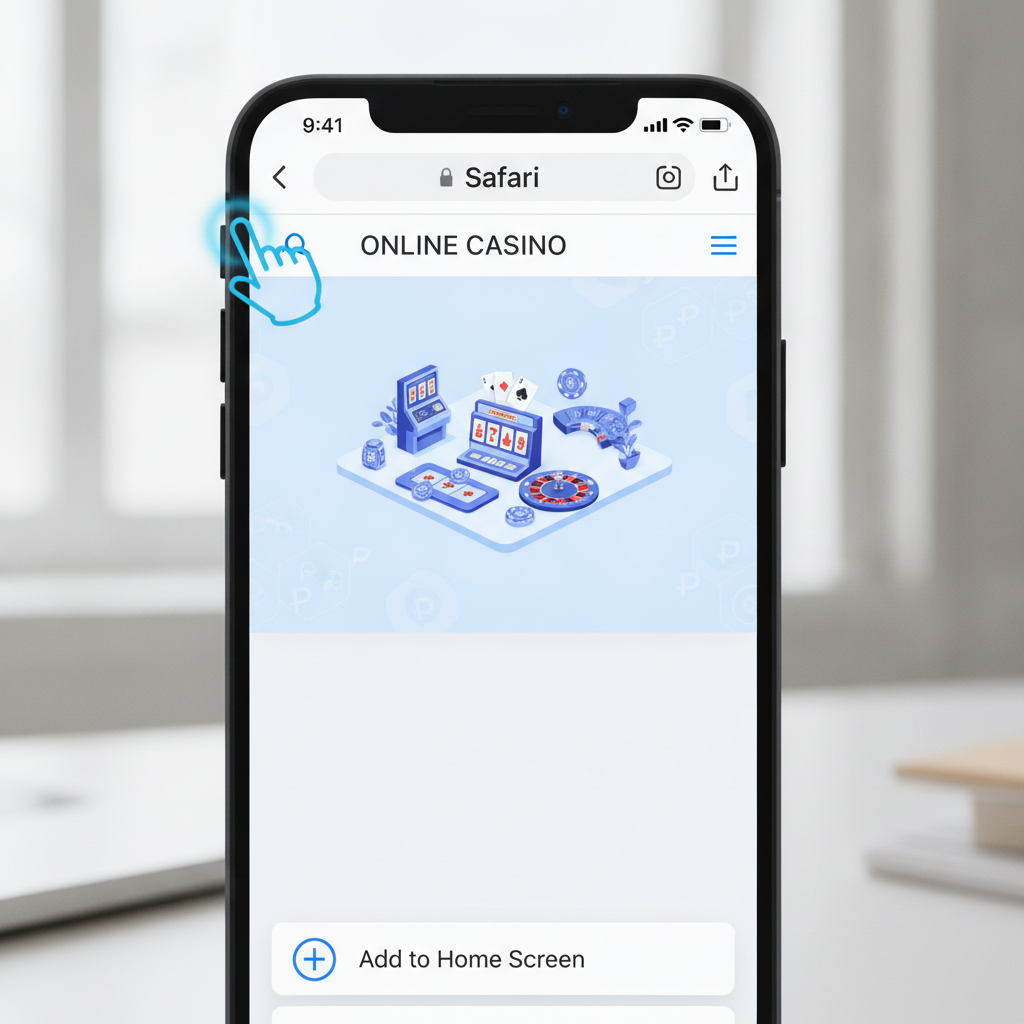
Does Dalmore 77 Have a Native iOS App?
Dalmore 77 does not currently offer a native iOS app through the Apple App Store. Unlike Android users who can download an APK file directly, iPhone and iPad players access Dalmore 77 through Safari or another mobile browser.
The platform runs as a mobile-optimized website that adapts to iOS devices. While not a downloadable app in the traditional sense, you can add a web app shortcut to your home screen for quick access. This shortcut behaves similarly to a native app—launching directly to the casino without opening Safari first.
Apple's App Store restrictions make it difficult for many online casino operators to distribute native iOS apps in the Philippines, so the browser-based solution is standard across the industry.
How to Install the Dalmore 77 Web App on iPhone
Adding Dalmore 77 to your iPhone home screen takes about a minute and gives you one-tap access to slots, live dealer tables, and sports betting.
Step-by-step installation:
- Open Safari on your iPhone (this method works only in Safari, not Chrome or other iOS browsers)
- Go to the Dalmore 77 website by entering the URL in the address bar
- Tap the Share icon at the bottom of the screen (a square with an arrow pointing up)
- Scroll down the menu and tap Add to Home Screen
- Edit the name if you want (it defaults to the site name) and tap Add in the top right
- The Dalmore 77 icon now appears on your home screen alongside your other apps
When you tap the icon, it opens in full-screen mode without the Safari toolbar at the bottom. Your login session and game history stay intact, just as they would in a native app.
For iPad users, the process is identical. On newer iPads, the Share icon appears at the top of the screen instead of the bottom.
Installing on iPad
The same Safari method works on iPad. Because iPad screens are larger, you may want to position the shortcut in your dock for even faster access during PBA or NBA games when you want to place live bets quickly.
Some iPad users prefer to keep Safari open in Split View while watching games in another app. The Dalmore 77 site adapts to both portrait and landscape orientations, so you can arrange your screen however you prefer.
Performance and Features on Safari Mobile Browser
The Dalmore 77 mobile site loads quickly on Safari, even with moderate 4G or LTE connections common in Metro Manila and provincial areas. Slots and live dealer tables stream smoothly on iPhone 8 and newer models.
What works well:
- Touch controls respond accurately when placing sports bets or spinning slots
- GCash and Maya deposit flows open in-app without leaving Safari
- Live dealer video streams adjust quality based on your connection speed
- Game filters and search tools are thumb-friendly on smaller iPhone screens
- Your login session persists when switching between apps or locking your screen
Safari-specific behavior:
Safari on iOS sometimes clears site data if you haven't visited in a while, which may log you out. This is an Apple privacy feature, not a Dalmore 77 issue. Simply log in again with your username and password.
If you use Private Browsing mode, Safari will not save your login details and may block some deposit payment pop-ups. Switch to regular Safari mode if you encounter problems during GCash or Maya checkout.
Game and Feature Availability on iOS
iPhone and iPad users have access to the same game library and betting markets as Android users. You can play slots and jackpot games, join live baccarat and blackjack tables, bet on PBA and NBA spreads and totals, and participate in bingo rooms.
Deposits via GCash, Maya, InstaPay, and PESONet all function through Safari. Withdrawal requests also work the same way—tap the cashier section, choose your payout method, enter the amount in pesos, and confirm.
The only limitation is that iOS does not support push notifications from web apps the same way Android does. You will not receive pop-up alerts about bonuses or bet results unless you open the site.
Troubleshooting iOS Installation and Login Issues
The "Add to Home Screen" Option Is Missing
This happens if you opened Dalmore 77 in Chrome, Firefox, or another browser instead of Safari. The Add to Home Screen feature only works in Safari on iOS. Close the other browser and open the site in Safari to see the option.
The Web App Icon Doesn't Appear After Adding
Check your home screen pages by swiping left. iOS sometimes places new icons on the next available screen instead of the current one. You can long-press the icon and drag it to your preferred location or into a folder.
Login Session Keeps Expiring
Safari's Intelligent Tracking Prevention can clear cookies after seven days of inactivity. If you play regularly, this should not be an issue. If you are logged out unexpectedly:
- Make sure you are not using Private Browsing mode (check for a dark Safari toolbar)
- Go to iPhone Settings > Safari and confirm "Prevent Cross-Site Tracking" is enabled but "Block All Cookies" is turned off
- Log in again and stay logged in by visiting the site at least once a week
Deposit or Withdrawal Windows Don't Open
This usually means Safari blocked a pop-up during the GCash or Maya redirect. Look for a small notice in the Safari address bar and tap it to allow pop-ups for Dalmore 77. You can also enable pop-ups site-wide in Settings > Safari > Block Pop-ups (toggle it off).
Video Streams Freeze During Live Dealer Games
If live baccarat or roulette video stutters or stops:
- Switch from Wi-Fi to mobile data (or vice versa) to test your connection
- Close other apps running in the background that may be using bandwidth
- Refresh the page by swiping down in Safari
- Lower the video quality in the live dealer settings if available
"This Site Cannot Provide a Secure Connection" Error
This is rare but can happen if your iPhone date and time settings are incorrect. Go to Settings > General > Date & Time and make sure "Set Automatically" is turned on. Restart Safari and try again.
Home Screen Icon Opens a Blank White Screen
Clear Safari cache: go to Settings > Safari > Clear History and Website Data. This deletes saved logins, so you will need to re-enter your Dalmore 77 username and password. Then delete the old home screen shortcut and add it again following the installation steps above.
Should You Use Safari or the Home Screen Shortcut?
Both methods access the same Dalmore 77 mobile site. The home screen shortcut is faster because you skip opening Safari first, and the full-screen display removes browser toolbars for a cleaner look.
Regular Safari works fine if you often compare odds across multiple sites or want browser tabs for multitasking. Some users keep the shortcut for quick game sessions and use Safari when managing deposits, withdrawals, or checking bet history alongside other tabs.
iOS and Mobile Data Usage
Streaming live dealer games consumes more data than slots or sports betting. If you are on a capped mobile plan, expect about 150–300 MB per hour of live casino play. Slot games and sports betting use roughly 10–30 MB per hour.
Download game assets over Wi-Fi before heading out if you plan to play while commuting in Metro Manila or provincial areas with slower or metered connections. Once the site is cached, return visits load faster and use less data.
Comparing iOS and Android Experience on Dalmore 77
Android users can download the Dalmore 77 APK for a dedicated app experience, while iOS players rely on the mobile browser or web app shortcut. In daily use, the difference is minimal. Both platforms offer the same deposit and withdrawal methods—GCash, Maya, InstaPay, PESONet—and identical game catalogs.
Push notifications are the main functional gap. Android APK users may receive alerts about promotions or completed bet settlements; iOS users need to open the site to check updates. If you rely on real-time notifications, consider setting a reminder to check your account during busy betting periods like PBA game nights.
iOS Updates and Compatibility
Dalmore 77 works on iPhones running iOS 12 and later, covering models from the iPhone 6s onward. iPads with iPadOS 12 or newer are also supported. If your device is older, you may see slower load times or occasional glitches in live dealer streams, but basic slots and sports betting typically remain functional.
Apple releases iOS updates several times a year. After a major update (for example, moving from iOS 16 to iOS 17), clear Safari cache and re-add the home screen shortcut if you notice any unexpected behavior.
21+ and Responsible Gambling Reminder
Dalmore 77 is for players aged 21 and over. Online gambling carries financial risk—never wager money you cannot afford to lose. If you need support, set deposit limits in your account settings or take a break. Organizations like Gamble Responsibly PH provide free resources for players in the Philippines.
This guide is an independent resource and is not affiliated with the operator. Always verify current terms, fees, and processing times in your Dalmore 77 account cashier before depositing or withdrawing funds.