How to Withdraw from Dalmore 77 Using GCash (Step-by-Step)
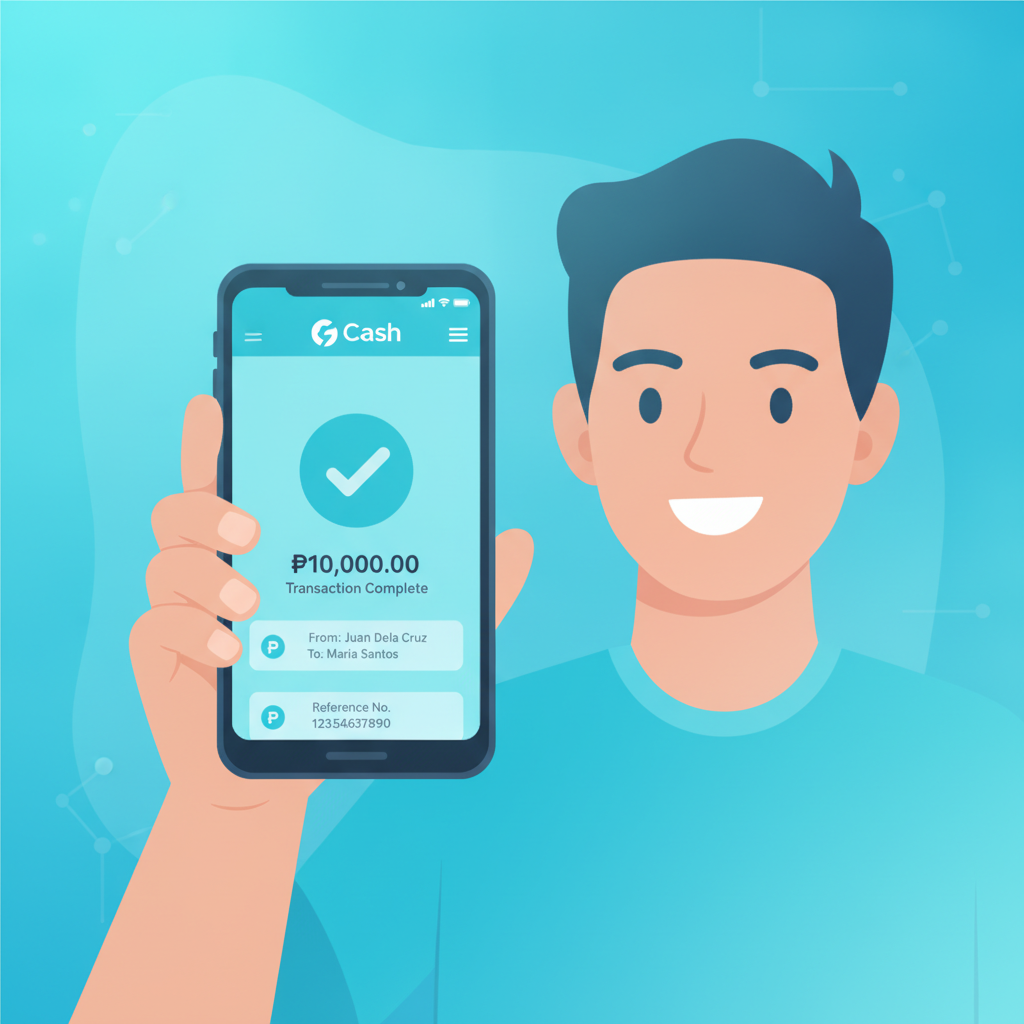
GCash is the most popular withdrawal method for Dalmore 77 players in the Philippines. Once your account is verified and your e-wallet is linked, cashouts typically arrive within minutes. This guide walks through the full process, from linking your GCash number to troubleshooting common errors.
Linking Your Verified GCash Account to Dalmore 77
Before you can withdraw to GCash, Dalmore 77 requires both your casino account and your GCash wallet to be fully verified.
Account verification on Dalmore 77 means uploading a valid government ID (such as a driver's license, passport, UMID, or postal ID) and sometimes a selfie or proof of address. This is a one-time process. Until your ID is approved, you will not see the withdrawal button enabled.
GCash verification means your e-wallet is fully verified with a blue checkmark inside the GCash app. If your GCash is only partially verified (limited to smaller balances), Dalmore 77 may still accept it, but you may hit receiving limits on the GCash side. Fully verified GCash accounts can hold up to PHP 100,000 and receive larger sums.
To link your GCash number:
- Log in to your Dalmore 77 account on mobile or desktop.
- Go to Cashier or Wallet, then select Withdraw.
- Choose GCash from the list of payment methods.
- Enter your 11-digit GCash mobile number (starting with 09).
- Confirm that the name registered on your GCash account matches the name on your Dalmore 77 account. Mismatches will cause the withdrawal to fail or be delayed for manual review.
Once linked, your GCash number is saved for future cashouts. You do not need to re-enter it every time unless you want to change to a different number.
Step-by-Step Cashout Process: Amount Limits and Fees
After your GCash account is linked and your Dalmore 77 balance is available for withdrawal (with any bonus wagering requirements met), follow these steps to cash out:
- Open the Dalmore 77 app or mobile site and log in.
- Tap Wallet, Cashier, or the Withdraw button (location varies slightly by app version).
- Select GCash as your withdrawal method.
- Enter the amount you want to withdraw in Philippine pesos.
- Double-check your registered GCash number is correct.
- Tap Confirm or Submit Withdrawal.
You will see a confirmation screen or receive a notification that your withdrawal request has been received.
Withdrawal Limits
Dalmore 77 sets minimum and maximum withdrawal amounts for GCash:
- Minimum withdrawal: Typically PHP 100.
- Maximum per transaction: Usually PHP 50,000, though this can vary by account status or VIP level.
- Daily limit: Most standard accounts can withdraw up to PHP 100,000 per day across all methods combined.
If you have a larger balance, you may need to process multiple withdrawals or contact support to request a higher limit.
Fees
Dalmore 77 does not charge a withdrawal fee for GCash cashouts in most cases. However, you should check the Cashier page before confirming, as promotional periods or account tiers may affect this.
GCash itself does not charge a fee to receive money, but if you transfer funds out of GCash to a bank account or use other GCash services, separate GCash fees may apply.
Common GCash Withdrawal Errors and Fixes
Even with a verified account, you may encounter errors during the withdrawal process. Here are the most common issues and how to resolve them.
Wrong GCash Number Entered
If you mistype your mobile number, the withdrawal will fail or the money may be sent to someone else's wallet (which GCash and Dalmore 77 cannot reverse).
Fix: Always double-check the 11-digit number before submitting. If you realize the mistake after submission but before processing, contact Dalmore 77 support immediately via live chat. They may be able to cancel the request if it has not yet been released.
Account Name Mismatch
Dalmore 77 checks that the name on your casino account matches the name registered to your GCash number. If there is a mismatch—such as a nickname on one account and a legal name on the other—the withdrawal will be rejected or held for manual review.
Fix: Update your Dalmore 77 profile to match your GCash account exactly, or verify your GCash under your legal name. Contact Dalmore 77 support with a screenshot of your verified GCash account if the system flags a false mismatch.
GCash Wallet Limit Reached
If your GCash wallet is already at or near its balance limit (PHP 100,000 for fully verified accounts, less for partially verified), you will not be able to receive additional funds until you spend or transfer money out.
Fix: Check your GCash balance and transfer funds to your bank via InstaPay or PESONet, pay bills, or cash out at a partner outlet to free up space. Once your balance drops, you can retry the Dalmore 77 withdrawal.
Pending or "Under Review" Status
Sometimes a withdrawal shows as pending for longer than expected. This can happen if:
- Your account is flagged for routine security checks.
- You recently changed your GCash number or personal details.
- The withdrawal amount is unusually large for your account history.
Fix: Wait 24 hours. If the status does not update, contact Dalmore 77 customer support through live chat or the in-app help center. Provide your withdrawal reference number and registered GCash number.
"Withdrawal Method Unavailable"
Occasionally, GCash cashouts are temporarily disabled due to maintenance on either Dalmore 77's payment processor or GCash's system.
Fix: Try again after an hour. Check Dalmore 77's Facebook page or announcements section for scheduled maintenance. If the issue persists, use an alternative withdrawal method such as Maya or bank transfer via InstaPay.
How Long GCash Withdrawals Take to Appear in Your Wallet
Under normal conditions, Dalmore 77 processes GCash withdrawals quickly:
- Instant to 15 minutes: Most GCash cashouts are approved and sent within this window, especially during daytime hours (8 AM to 8 PM Philippine time).
- Up to 1 hour: During peak hours or weekends, processing may take longer as the volume of withdrawal requests increases.
- Up to 24 hours: If your withdrawal requires manual review (due to security checks or account verification), it may take up to one business day.
Once Dalmore 77 releases the funds, GCash typically credits your wallet within seconds. You will receive an SMS and an in-app notification from GCash confirming the deposit.
If 24 hours pass without the money arriving and your withdrawal status still shows "pending" or "processing," contact Dalmore 77 support. Have your transaction ID ready, which you can find in your withdrawal history.
Note: Withdrawals requested late at night (after 10 PM) or on public holidays may not be processed until the next business day.
Tips for Faster GCash Cashouts
- Complete account verification early. Do not wait until you want to withdraw. Upload your ID as soon as you register.
- Use the same GCash number every time. Changing your linked e-wallet frequently can trigger additional security reviews.
- Withdraw during business hours. Cashouts requested between 9 AM and 6 PM typically process faster.
- Keep your GCash app updated. An outdated app may delay notifications or cause display issues, even if the money has arrived.
21+ Reminder and Responsible Gambling Note
Dalmore 77 is strictly for players aged 21 and older. Online gambling should be a form of entertainment, not a way to make money or solve financial problems.
Set a budget before you play and only withdraw winnings you can afford to wait for. If you find yourself chasing losses, withdrawing and re-depositing repeatedly, or feeling anxious about your balance, take a break. Dalmore 77 offers self-exclusion and deposit limit tools in the account settings.
For confidential support, contact the National Center for Mental Health (NCMH) or Gambling Help Philippines.
This guide is provided by an independent information site and is not operated by or affiliated with Dalmore 77. Always check the official Dalmore 77 website or app for the latest withdrawal policies and processing times.