Dalmore 77 App Download for Android: APK Install Guide
Where to Find the Official Dalmore 77 Android APK File
The Dalmore 77 Android app is distributed as an APK file directly from the operator's website, not through Google Play Store. This is standard practice for online casino and sportsbook apps in the Philippines.
To download the official APK, open your Android phone's browser and visit the Dalmore 77 website. Look for a download link or app icon in the top navigation or footer. Some players report finding it under a "Mobile" or "Download App" menu item.
Always download the APK from the official Dalmore 77 domain. Avoid third-party APK mirror sites—they may host outdated or modified versions that could compromise your account security or payment details.
If you cannot locate the download link, contact Dalmore 77 customer support through live chat or the Viber/Telegram channels listed on the site. Support can send you the direct APK download URL.
The file name typically includes "Dalmore" or "Dalmore77" and ends with .apk. Check the file size before installing—legitimate casino APKs usually range from 50 MB to 150 MB depending on bundled features.
Step-by-Step APK Installation for Android
Installing an APK file outside of Google Play requires adjusting one security setting on your Android device. Follow these steps:
Before You Start
Make sure your phone has a stable Wi-Fi or mobile data connection. Downloading over Wi-Fi is recommended to avoid using your data allowance, especially if the APK is larger than 100 MB.
Step 1: Enable Installation from Unknown Sources
Android blocks APK installs from sources other than the Play Store by default. You need to enable this temporarily:
- Open Settings on your Android phone
- Navigate to Security or Privacy (the exact name depends on your Android version and phone brand)
- Find the option labeled Install unknown apps or Unknown sources
- Select your browser (Chrome, Firefox, or whichever you used to download the APK)
- Toggle the switch to Allow from this source
On some Samsung, Oppo, Vivo, and Realme phones, the path may be Settings > Apps > Special access > Install unknown apps.
Step 2: Download the Dalmore 77 APK
- Open your browser and go to the Dalmore 77 website
- Tap the app download link
- Your browser will show a download prompt; tap Download or OK
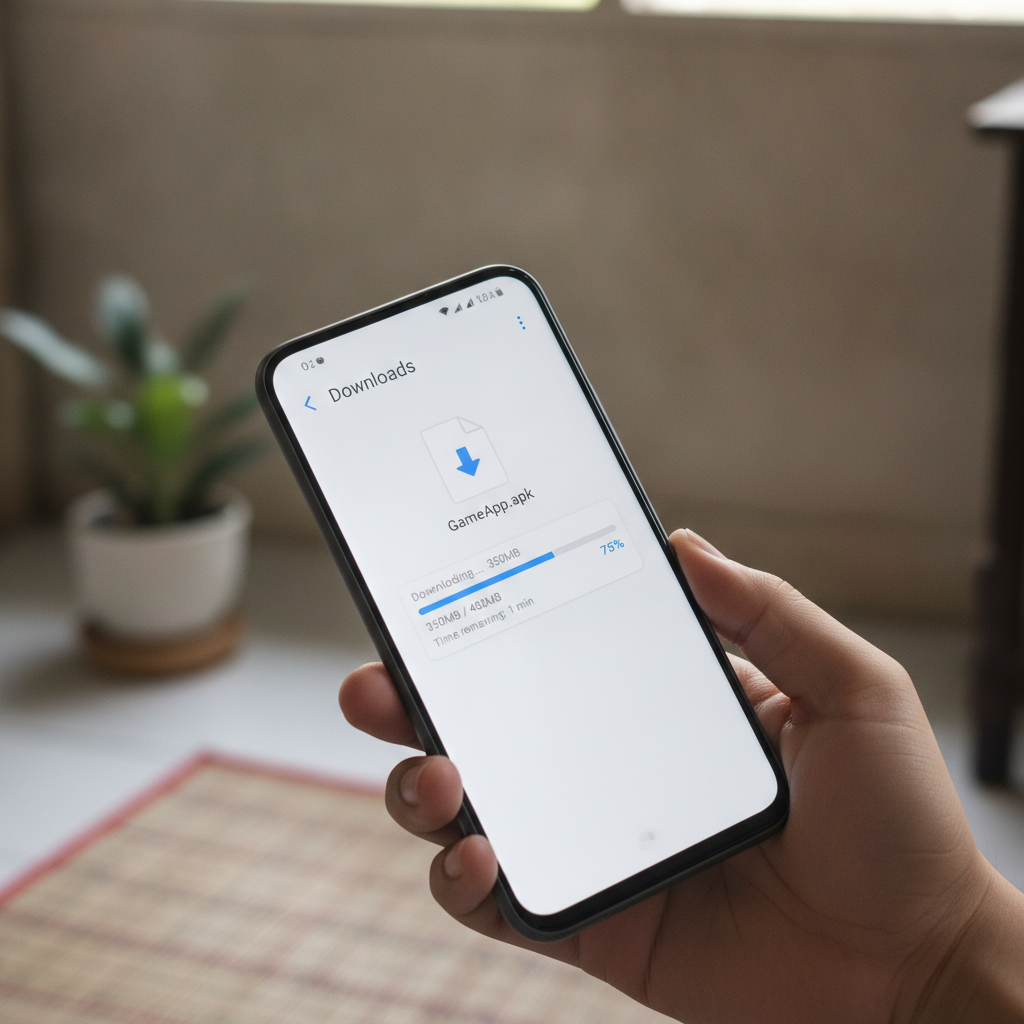
- Wait for the download to complete (you can check progress in your notification shade)
Step 3: Open and Install the APK
- Once the download finishes, tap Open in the notification, or go to your Downloads folder and tap the APK file
- Android will display an install screen with a list of permissions the app requests
- Review the permissions (more on this below), then tap Install
- Wait 10–30 seconds for installation to complete
- Tap Open to launch Dalmore 77, or Done to finish without opening
Step 4: Log In or Register
The first time you open the app, you will see the Dalmore 77 login screen. Enter your existing username and password if you already have an account. If you are new, you will need to complete registration on the website first—account sign-up is covered by a separate guide and is not part of this app installation walkthrough.
Permissions the App Will Request
The Dalmore 77 app may ask for the following Android permissions:
- Storage: To cache game assets and save settings locally
- Network access: To load games, live odds, and account information
- Install packages: To notify you of app updates
The app should not request access to your contacts, camera, microphone, or SMS without a clear reason (for example, camera access only if you choose to upload ID documents for verification). If you see unusual permission requests, stop the installation and contact Dalmore 77 support.
APK File Size, Android Version Requirements, and Storage Needs
File Size
The Dalmore 77 APK file is typically between 80 MB and 120 MB at the time of download. Actual size may vary as the operator adds features or optimizes the package.
After installation, the app will occupy approximately 150–200 MB on your phone once you factor in cached game thumbnails, live dealer streams, and sports event data.
Minimum Android Version
Dalmore 77 requires Android 5.0 (Lollipop) or newer. Most phones sold in the Philippines since 2016 meet this requirement.
If your phone runs Android 4.4 or older, the APK will not install. You will see an error message indicating an incompatible OS version. In that case, you can still access Dalmore 77 through your mobile browser—the website is fully optimized for small screens.
Storage Space
Before you download, check that your phone has at least 300 MB of free storage. This ensures space for the APK file, installation files, and some operating headroom.
To check storage on Android:
- Open Settings > Storage
- Look at Available or Free space
If storage is tight, delete unused apps, clear your browser cache, or move photos and videos to Google Photos or an SD card.
Data Usage
Downloading the APK over mobile data will use 80–120 MB. Once installed, normal usage—loading slots, live dealer tables, and sports odds—consumes roughly 50–150 MB per hour, depending on whether you stream live video.
Live dealer games (baccarat, roulette, blackjack) use more data than slots due to video streaming. If you are on a limited data plan, connect to Wi-Fi before opening live tables.
How to Update the App When a New Version Is Released
The Dalmore 77 Android app does not auto-update through Google Play. You must manually download and install each new version.
Checking for Updates
Dalmore 77 usually announces app updates via:
- A notification banner inside the app
- An SMS or push notification if you opted in
- A pop-up message on the website
- Social media or Viber community posts
When an update is available, the app may show a prompt with a button labeled "Update Now" or "Download Latest Version."
How to Install an Update
The process is identical to the initial installation:
- Tap the update link or visit the Dalmore 77 website to download the new APK
- Open the downloaded file
- Android will recognize that you already have the app installed and will offer to Update rather than install fresh
- Tap Install or Update
- Wait for the update to finish, then tap Open
Your login credentials, favorite games, and bet history remain intact after an update. You do not need to uninstall the old version first—Android replaces it automatically.
What Happens If You Skip an Update?
If you delay updating, the app may continue to work for days or weeks. However, older versions can experience:
- Games that fail to load or display errors
- Incorrect odds or missing sports events
- Issues submitting GCash or Maya deposits
- Login errors if the operator changes authentication protocols
For best performance and security, install updates within a few days of release.
Uninstalling and Reinstalling
If an update fails or the app behaves erratically, try a clean reinstall:
- Go to Settings > Apps > Dalmore 77 and tap Uninstall
- Download the latest APK from the website
- Install following the steps in the section above
You will need to log in again, but your account data and balance are stored on Dalmore 77's servers, so nothing is lost.
21+ Reminder and Responsible Gambling
Dalmore 77 is intended for players aged 21 and older. You must meet the legal age requirement in the Philippines to register and place real-money bets.
Online gambling should be a form of entertainment, not a way to earn income. Set a budget before you play and do not deposit more than you can afford to lose. The app makes it easy to deposit through GCash, Maya, or bank transfer, but convenience should not replace discipline.
If you feel that gambling is causing stress, affecting your finances, or taking up too much time, consider setting deposit or session limits through the account settings. Dalmore 77 also provides options to self-exclude temporarily or permanently.
For confidential help, contact:
- National Center for Mental Health Crisis Hotline: 0917-899-USAP (8727)
- In Touch Community Services: (02) 8893-7603
Keep your login credentials private. Do not share your password or let others use your account. The Dalmore 77 app stores session tokens locally, so anyone with access to your unlocked phone can place bets or withdraw funds if you remain logged in.
Before installing the APK, remember that this guide is an independent resource. It is not published or endorsed by Dalmore 77. For official support, contact the operator directly through the channels listed on their website.